


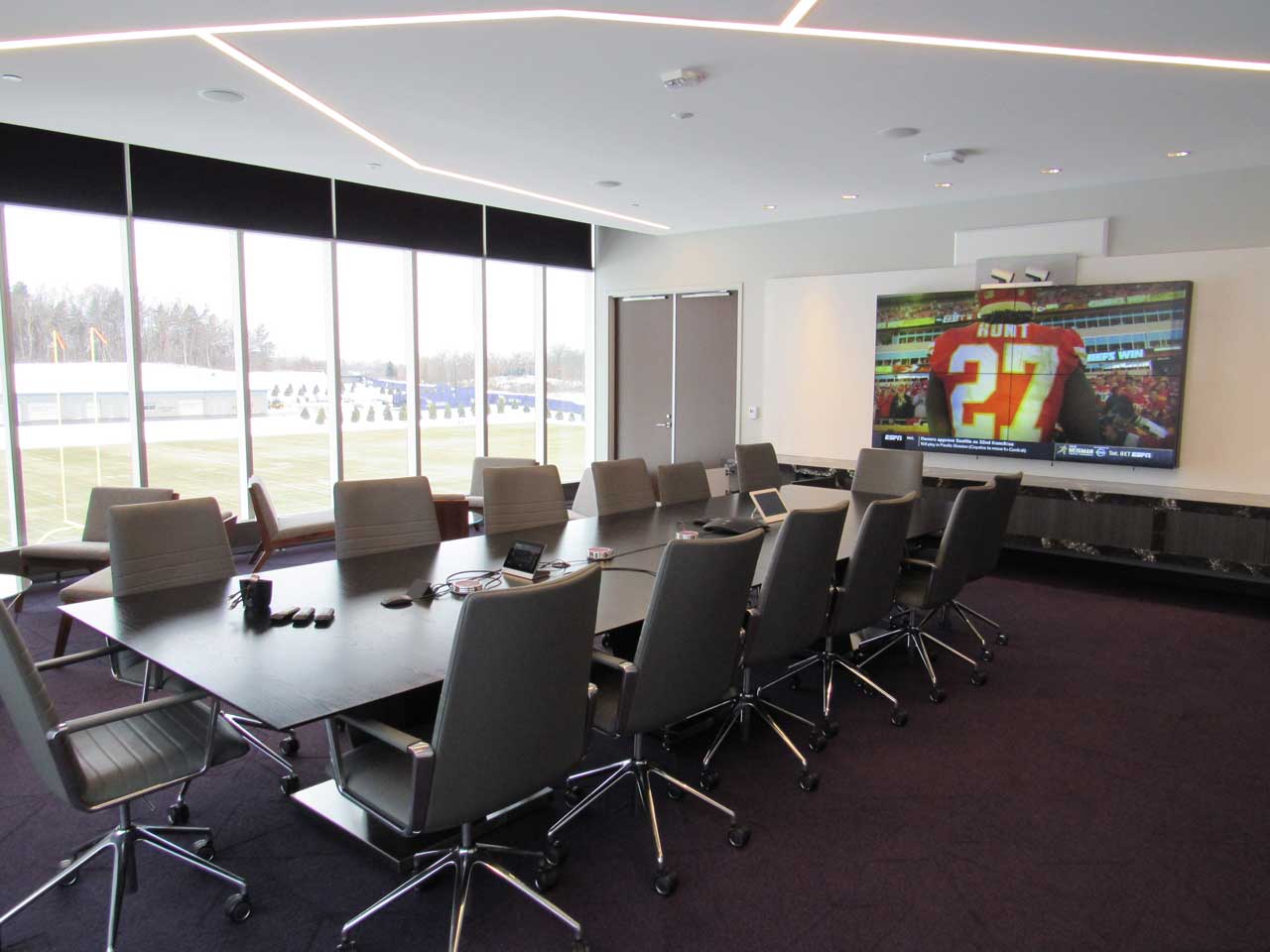
The Role of AV Control Systems in Modern Boardroom Design
August 1, 2026High-stakes meetings shouldn’t start with technical troubleshooting. Yet too many boardrooms force executives to juggle multiple remotes, hunt for the right input, and manually adjust lighting before presentations begin. When technology creates friction instead of flow, AV control systems become essential rather than optional.
What Control Systems Actually Do
AV control systems serve as the central brain coordinating all boardroom technology. A control processor connects displays, conferencing equipment, lighting, shades, and audio through a single user interface—typically a touch panel or wall-mounted keypad.
‘Pre-configured presets eliminate complexity. Press “Start Meeting” and the system simultaneously lowers shades, dims lights, powers on displays, and joins your scheduled video call—all within seconds. Multiple remotes and manual device switching disappear entirely.
The interface uses plain-language buttons like “Present from Laptop” or “Join Video Call” rather than technical jargon. Non-technical users—executives, guests, assistants—operate rooms confidently without IT support hovering nearby.
Why This Matters for Leadership Spaces
Simple, reliable user experience:
- Designed for people who need technology to work, not understand it
- Reduces user error and tech anxiety during critical moments
- Executives focus on their message instead of troubleshooting equipment
Faster setup, fewer mistakes:
- One-touch scenes automate complex configurations
- Eliminates “what input is this?” guesswork that wastes meeting time
- Dramatically reduces emergency IT calls during executive meetings
Remote monitoring and support:
- IT teams check device status and troubleshoot without entering rooms
- Alerts notify staff about offline displays or low microphone batteries
- Preventative maintenance tools reduce emergency support costs over time
Integration Creates Seamless Environments
Modern control systems coordinate environmental factors that traditional AV setups ignore. Lighting adjusts automatically for video calls versus presentations, reducing screen glare and improving camera visibility. Motorized shades close during video conferences, ensuring privacy and optimal display visibility.
Organizations like Electronic Design Company (EDC) typically program control systems around actual workflows rather than technical capabilities. The focus stays on the two or three things users do most—joining meetings, presenting from laptops, adjusting volume—rather than exposing complex routing options.
Conferencing systems launch with predefined camera positions and volume levels. Media switching routes any input to any display seamlessly. A “Presentation Mode” preset might lower lights, select the podium input, and mute unused microphones with one tap.
Wireless Presentation Systems Complete the Picture
Cable-based sharing creates bottlenecks executives won’t tolerate. Wireless presentation systems eliminate connection friction entirely, letting participants share from laptops, tablets, or phones without dongles or compatibility issues.
Multiple presenters can queue content or display simultaneously on different screens. BYOD policies work seamlessly when systems support all platforms—Windows, Mac, iOS, Android. Enterprise-grade encryption protects confidential information that consumer wireless solutions leave vulnerable.
Integration matters here too. The best implementations incorporate wireless sharing directly into control system interfaces, creating unified experiences rather than requiring separate operation of disconnected technologies.
Customization by Room Type
Small executive rooms:
- Simple keypads or small touch panels
- Control displays, conferencing, and audio volume
- Basic source selection and call control
Standard boardrooms:
- 7-10 inch touch panels with wall button options
- Manage displays, microphones, video systems, lighting, shades
- One-touch meeting presets and camera angle control
Multi-purpose or divisible spaces:
- Large touch panels with additional control points
- Coordinate multiple displays, lighting zones, projectors, partitions
- Room combining/separation presets and scheduled automation
Hybrid interfaces work beautifully: touch panels for advanced settings, tactile buttons for frequent actions like volume adjustment during live meetings.
Planning for Success
User interface design deserves significant attention—it’s what people actually see and judge your entire investment by. Confusing interfaces undermine expensive equipment. Build workflows around user behavior, not technical specifications.
Control systems typically account for 10-20% of total boardroom AV budgets. Don’t skimp on programming quality; reliability and satisfaction depend on it. Test interfaces with actual users before finalizing designs.
EDC’s proven process emphasizes this collaborative approach, ensuring control solutions match how teams actually work while building in remote management capabilities that reduce long-term support burdens.
The Bottom Line
Well-designed AV control systems transform boardrooms into intelligent environments where meetings run smoothly without technical obstacles. Combined with wireless presentation systems that eliminate connection friction, modern boardrooms finally deliver technology that serves leadership rather than distracting from it.